
Download WinToUSB – Windows Portable, USB Installation, ISO, Bootable Tool
Overview
WinToUSB is a specialized utility designed to transform a removable USB drive into a fully functional, bootable Windows installation source. The app enables users to create a portable version of the Windows operating system, allowing installation or reinstallation from a USB device instead of a physical disc. This functionality is especially valuable in environments where optical drives are absent or unreliable, such as modern laptops and thin-client machines. The primary purpose of WinToUSB is to streamline the deployment and recovery of Windows systems, offering a flexible and mobile solution for both personal and professional use.
Target users include IT professionals managing multiple devices, system administrators, and individuals who frequently reinstall or troubleshoot Windows installations. The app supports a range of Windows versions, including Windows 7, Windows 8, Windows 8.1, and Windows Server 2012, ensuring broad compatibility across legacy and enterprise environments. Real-world applications include on-site system recovery, software testing, and secure OS deployment in restricted or temporary computing environments. By leveraging Windows To Go technology in its latest version, WinToUSB also facilitates the creation of a live bootable Windows environment on a USB drive—similar to Linux LiveCDs—enhancing portability and independence from fixed hardware.
The developer did not provide additional technical details about the origin or background of the software. However, the app’s consistent functionality and straightforward design suggest a focus on reliability and user accessibility. In the broader app ecosystem, WinToUSB fills a niche for system-level tools that prioritize efficiency, portability, and ease of use, making it a valuable asset for anyone requiring a mobile Windows installer.
Key Features & Functionality
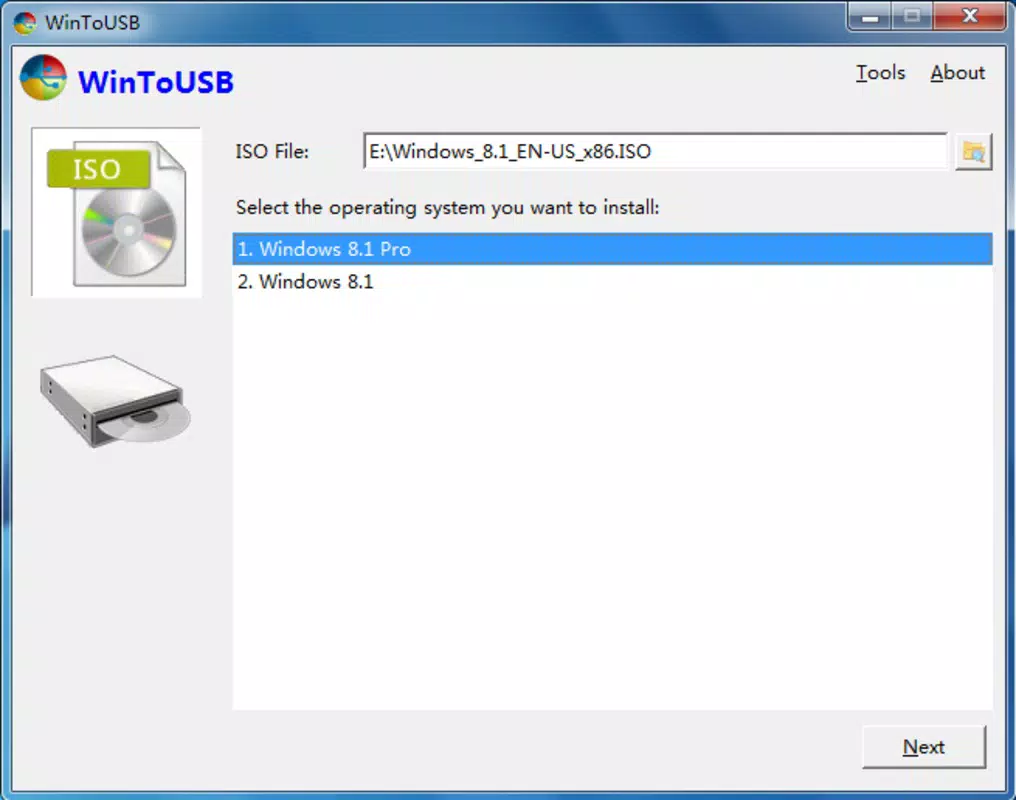
- ISO Image Integration – Users can load a Windows ISO file directly into the application and transfer it to a USB drive, turning it into a bootable installer without requiring additional tools.
- Windows To Go Support – The latest version enables the creation of a full Windows To Go environment, allowing the entire operating system to run directly from a USB drive on compatible hardware.
- WinPE Bootable Unit Creation – The app supports the generation of a Windows Preinstallation Environment (WinPE) USB, useful for system recovery, diagnostics, and deployment tasks.
- Simple Step-by-Step Process – The interface guides users through each stage of the process with minimal technical knowledge required, reducing the risk of errors during setup.
- Removable Drive Compatibility – Supports various USB storage devices, enabling users to carry their installation media securely and conveniently.
For example, an IT technician can use WinToUSB to create a portable Windows installer on a USB drive, then deploy it across multiple machines in a corporate network without needing a physical disc. Similarly, a developer might use the WinPE option to troubleshoot a corrupted system or perform clean installations in isolated environments. The tool’s ability to handle ISO files and convert them into bootable media makes it a reliable utility for both routine maintenance and emergency recovery scenarios.
Interface, UX & Performance
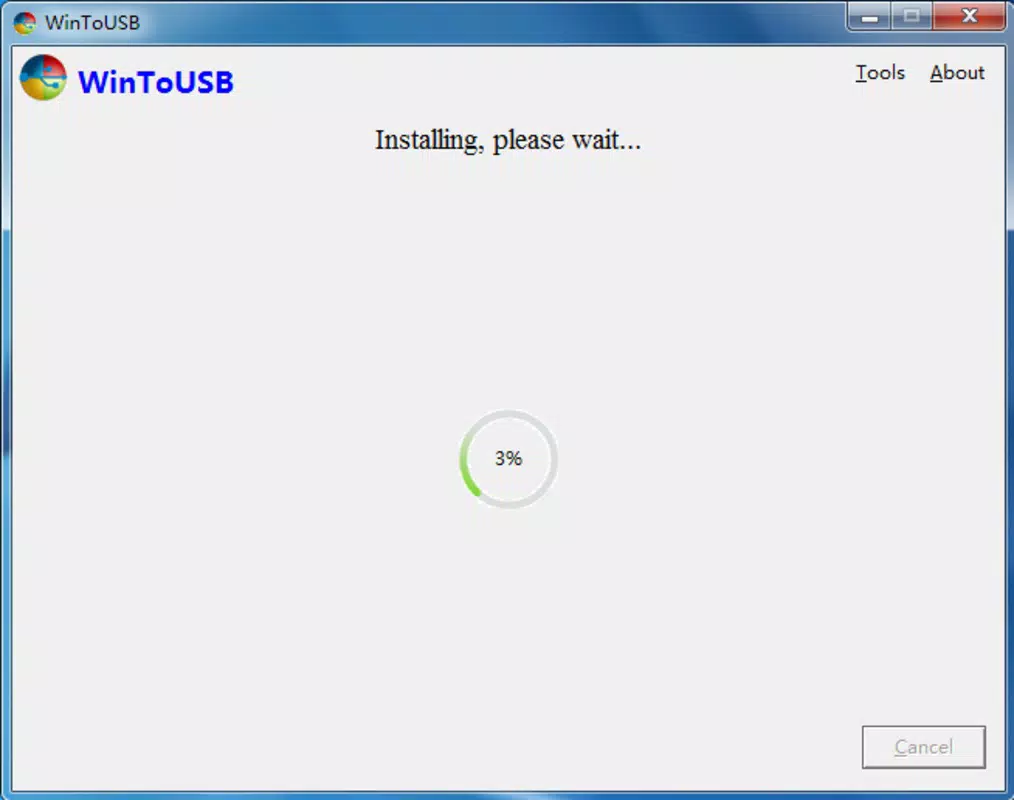
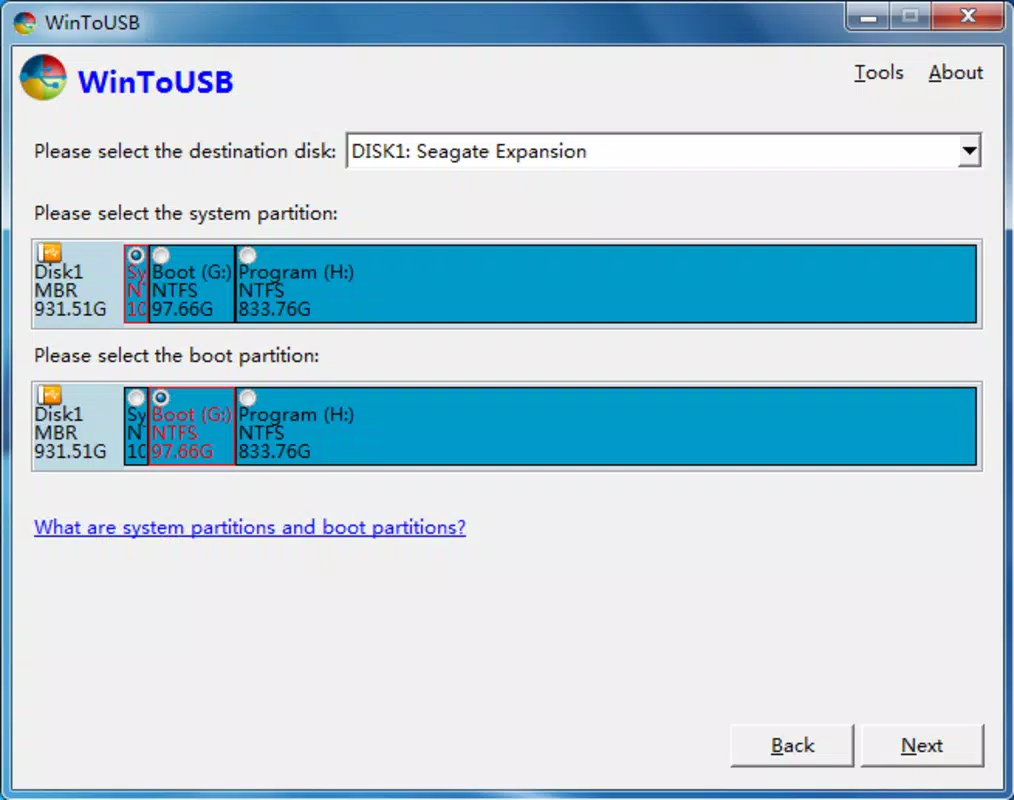
WinToUSB features a clean, intuitive interface designed for straightforward navigation. The layout organizes core functions—such as ISO loading, drive selection, and process initiation—into clearly labeled sections, minimizing user confusion. Visual cues and progress indicators help users track the status of the USB creation process, enhancing transparency and confidence during operation.
Navigation is linear and logical, with a step-by-step workflow that guides users from selecting the ISO file to finalizing the bootable drive. The application responds promptly to user inputs, and the overall responsiveness is consistent across different device categories. Although the developer did not list formal performance metrics, the app’s operation remains stable during typical use cases, with no reported crashes or freezes in standard scenarios.
Performance on older or lower-end systems may vary, but the tool is optimized to function efficiently even on machines with limited resources. Stability is maintained throughout the process, and the app handles large ISO files without significant lag or data corruption. The user experience is further enhanced by the absence of unnecessary pop-ups or intrusive ads, contributing to a focused and professional workflow.
Platform Compatibility & Technical Requirements
WinToUSB is designed for Windows-based systems and supports Windows 7, Windows 8, Windows 8.1, and Windows Server 2012. The application is compatible with standard USB drives, though specific size or capacity requirements were not listed. The file size of the app is not disclosed in the provided information.
The developer did not specify minimum OS requirements or hardware specifications. However, based on the app’s functionality, it is expected to run on systems with standard configurations, including modern desktops and laptops. Compatibility with Android, iOS, or other mobile platforms was not confirmed, and no information was provided about cross-platform availability.
Users should ensure their target USB drive is formatted correctly and has sufficient space to accommodate the selected ISO image. The app may require administrative privileges to access system-level functions, which is standard for such utilities.
Pros and Cons
Pros
- Efficiently converts ISO files into bootable USB drives
- Supports Windows To Go and WinPE environments
- Intuitive interface suitable for non-technical users
- Enables portable Windows installation across multiple devices
- Streamlines system recovery and deployment tasks
Cons
- Platform limited to Windows only
- Specific technical requirements not disclosed
- No mobile app version available for Android or iOS
- May require administrative access to function
- Limited information on supported USB drive types
FAQ
Is WinToUSB safe to use?
Yes, WinToUSB is a secure tool when used with trusted ISO files. Always download the software from official sources and verify the integrity of the Windows ISO image before use.
Can I use WinToUSB on macOS or Linux?
The app is designed exclusively for Windows operating systems. There is no official version available for macOS or Linux platforms.
Does WinToUSB support the latest Windows 11?
Based on the provided information, the app supports Windows 7, 8, 8.1, and Windows Server 2012. Support for Windows 11 was not confirmed.
Do I need to format my USB drive before using WinToUSB?
Yes, the application typically requires the USB drive to be formatted. The tool may prompt users to do so during the setup process, ensuring compatibility with the target system.
Can I update WinToUSB after installation?
Updates are available through the official website. Users should periodically check for new versions to ensure access to the latest features and security patches.
Final Thoughts
WinToUSB stands out as a powerful and reliable utility for anyone needing a portable Windows installation solution. Its ability to create bootable USB drives from ISO files, support Windows To Go, and generate WinPE environments makes it indispensable for IT professionals and system administrators. The straightforward interface ensures that even users with limited technical expertise can complete complex tasks with confidence.
While the app is limited to Windows platforms and lacks detailed technical specifications, its core functionality is robust and purpose-built. For individuals and organizations requiring a dependable, mobile Windows installer, WinToUSB delivers exceptional value. Whether used for system recovery, software deployment, or on-the-go troubleshooting, this tool enhances productivity and flexibility.
Download WinToUSB now


